How to Search for Posts?
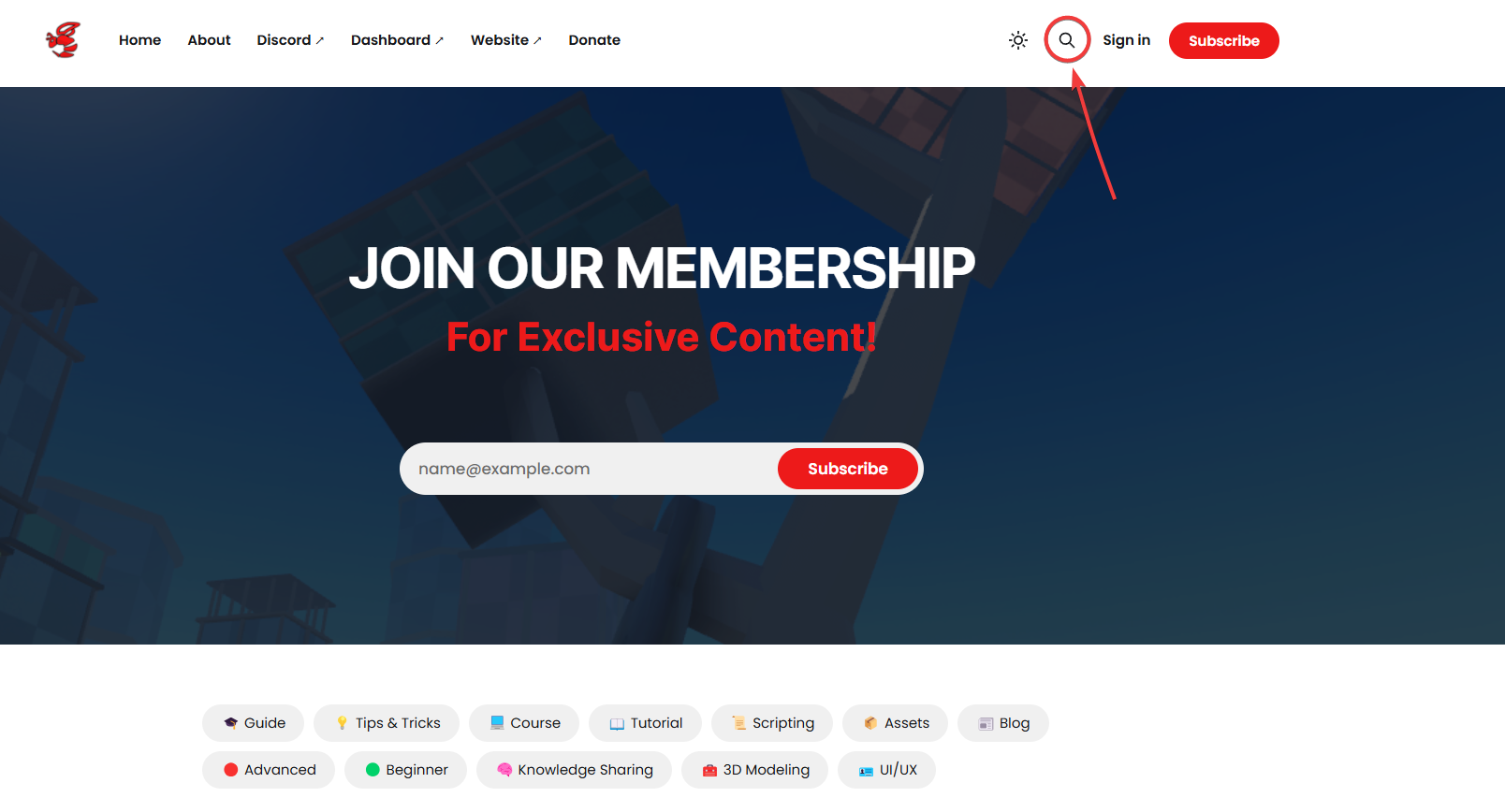
We understand that our platform can be a bit overwhelming for newcomers, especially since the instructions for using the filter system aren't visibly displayed. To help you navigate more easily, here’s a clear overview of our filter buttons.
Every time you visit our homepage, you'll come across multiple posts accompanied by these buttons, which we refer to as filter buttons:

How they work?
So let's say you're looking for something specific, such as a tutorial or course, simply click on the relevant filter button. You can select multiple filters to refine your search further. This is how you can pinpoint exactly what you're looking for:
For example, if you want to filter for the "Scripting Course for Beginners," you would select the following 3 buttons:

If you're now looking for the "3D Modeling Tutorial for Beginners" simply unselect the previous filters and choose the new ones that corresponds to your new search.

What about a faster search?
You can directly search for posts, authors and tags using this powerful search tool located in the navigation bar next to the sign in button: